 ToolFavor
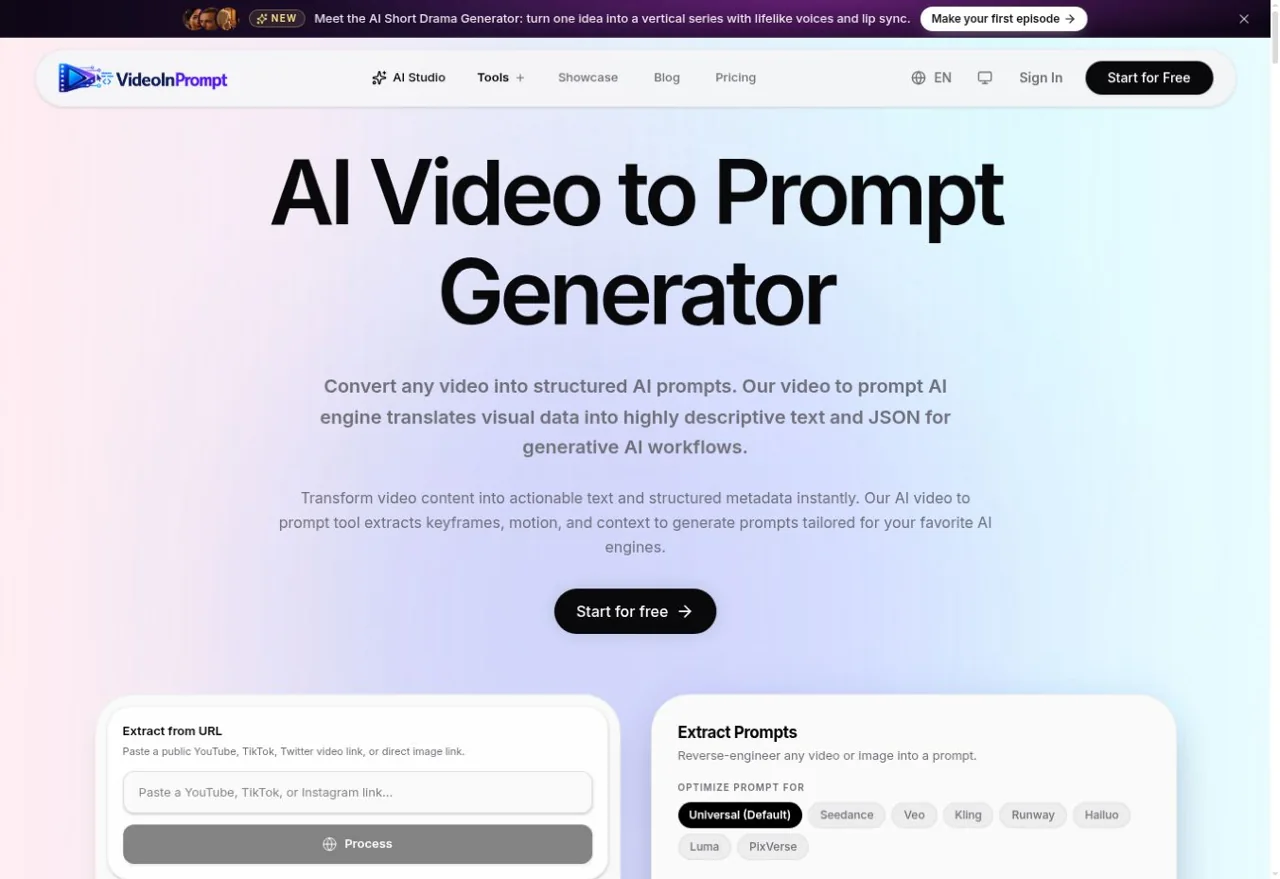
Use a link or file
The interface offers public video links and MP4, MOV or WebM uploads.
Source
AI Video · Web tool
From video to structured prompts.
Upload a clip or paste a supported link. Organize the result as scene descriptions and JSON for your next AI video workflow.
Official sources and interface checked · Generation quality not tested · Last checked 2026-10-28
Use a supported public URL or browse for an MP4, MOV or WebM file.
Pick Universal or a named model preset before extraction.
Check timestamps, camera moves and scene text before reuse.
By approach and typical use. Not a hands-on ranking.
| Tool | Input | Output / workflow | Main limit |
|---|---|---|---|
 VideoToPrompt | Local video / image | Text; output language | 50 MB video; free terms unclear |
| VideoInPrompt | Upload / supported links | Text + JSON; model presets | Free credits; verify current plan |
 PromptVV | Upload / Chinese platform links | Dialogue, shots, reference formats | 500 MB / 10 min; registration |
 Reprompt Video to Prompt | Clip / screenshots | Four-frame text or JSON prompt | No account; daily limits; one short shot |
| Upload / YouTube | Single-scene / multi-scene | FAQ: 20 MB; free quota varies |
Official product descriptions checked 28 October 2026. Compare workflows, not measured generation quality.
Free planChoose it when you already have a local video or still and want to set the output language.
See on ToolFavorFree planChoose it for Chinese platform links, dialogue and first-frame/reference workflows.
See on ToolFavorFreeChoose it for a short single shot without signing up; only sampled frames are sent, according to its site.
See on ToolFavorThe site offers starter credits and paid plans. Its homepage and dedicated pricing page use different credit descriptions, so confirm the current balance and limits in the account interface.
SourceThe public interface advertises supported YouTube and TikTok URLs as well as uploads. Availability can depend on the source video’s access restrictions; we did not test extraction.
SourceYes. The official product page describes structured JSON alongside descriptive text for generative workflows.
SourceNo. The scene shown on the public landing page is a product demonstration, not a ToolFavor test using an uploaded video.
SourceThe site links to separate video-generation tools. Prompt extraction and video generation are different actions; check the chosen tool’s credit cost.
SourceEvery fact links to where it came from.
 VideoInPrompt · official siteVideoToPrompt · official sitePromptVV · official siteReprompt Video to Prompt · official siteVideoInPrompt · PricingVideoInPrompt · Privacy policy
Independent summary. Not sponsored, not certified, no invented ratings or prices. The official site always has the final word.
Check the current allowance, then start with a short reference.
Open VideoInPrompt